Tag: 13.4.1

  • Apple states that additional Rapid Security Response updates are en route to resolve WebKit-based website loading issue

    Apple states that additional Rapid Security Response updates are en route to resolve WebKit-based website loading issue

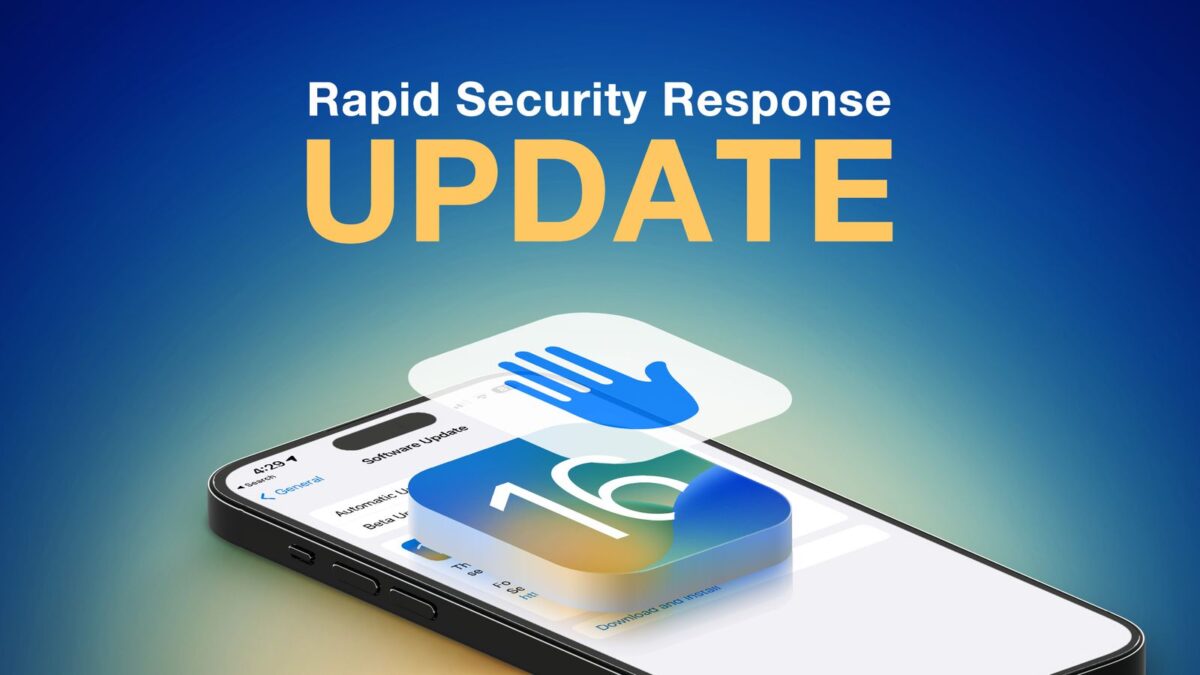
    In a support document published on Tuesday, Apple stated that it is aware of an issue where the recently released Rapid Security Responses for iOS 16.5.1, iPadOS 16.5.1, and macOS 13.4.1 might prevent some websites from displaying properly.

    As such, the company said that affected Rapid Security Responses are labeled as iOS 16.5.1 (a), iPadOS 16.5.1 (a), and macOS 13.4.1 (a), and that new Rapid Security Responses with a (b) suffix will be available soon to address this issue. Users who do not wish to wait have the option to uninstall the (a) versions by following the steps outlined by Apple below:

    iPhone or iPad: Open Settings > About > iOS Version, then tap “Remove Security Response.” Tap Remove to confirm.

    Mac: Choose the Apple menu > About this Mac, then click More Information. Under macOS, click the Info (i) button next to the version number. Click Remove and Restart, then click to confirm.

    Rapid Security Responses are designed to provide iOS, iPadOS, and macOS security updates without the need for a full software update. The updates released on Monday addressed an actively exploited WebKit vulnerability, but some users who installed the updates were subsequently unable to load some websites.

    Stay tuned for additional details as they become available.

    Via MacRumors and support.apple.com

  • Apple releases macOS Ventura 13.4.1, macOS Monterey 12.6.7, and macOS Big Sur 11.7.8 updates

    Apple releases macOS Ventura 13.4.1, macOS Monterey 12.6.7, and macOS Big Sur 11.7.8 updates

    In addition to its iOS 16.5.1 and iPadOS 16.5.1 updates, Apple also released updates for a number of its macOS operating systems, which include macOS Ventura 13.4.1, macOS Monterey 12.6.7, and macOS Big Sur 11.7.8.

    Apple offered the following as to the fixes and changes to be found in the updates:

    “This update provides important security fixes and is recommended for all users,” says Apple. “It also fixes an issue that prevents charging with the Lightning to USB 3 Camera adapter.”

    To locate, download, and install the update on your Mac, go to System Settings, and choose Software Update.

    Note that depending on the device’s settings, such updates are automatically installed over a few days from release. Also, as the update is released worldwide, it may take time for versions to roll out to all countries.

    If you’ve tried the updates, please let us know about your experience in the comments.

    Via AppleInsider

  • Apple offers iOS 13.4.1 update as day one fix for 2020 model iPhone SE

    The moment you snag your 2020 model iPhone SE, you’re probably going to want to run its software update.

    Apple on Thursday released the iOS 13.4.1 update for iPhone SE owners, suggesting ‌iPhone‌ SE models arriving to customers tomorrow will have iOS 13.4 installed and will need a day-one software update.

    The update can be snagged by going to Settings > General > Software Update, and can be accessed via Wi-Fi or over a cellular network.

    The update adds the following fixes and changes for the iPhone SE:

    iOS 13.4.1 includes bug fixes for your ‌‌iPhone‌‌.

    – Fixes an issue where devices running iOS 13.4 could not participate in ‌‌FaceTime‌‌ calls with devices running iOS 9.3.6 and earlier or OS X El Capitan 10.11.6 and earlier.
    – Addresses a bug with the Settings app where choosing a Bluetooth from the quick actions menu on the Home screen would fail.

    The ‌iPhone‌ SE was announced last week, with pre-orders taking place on April 17th. The first deliveries of the new device will begin today.

    If you’ve been able to snag the new iPhone SE and had a chance to play with it, please let us know about your experience in the comments.

    Via MacRumors

  • Apple releases iOS 13.4.1, iPadOS 13.4.1 updates, focuses on FaceTime, other bug fixes

    Apple on Tuesday released versions 13.4.1 of its iOS and iPadOS mobile operating systems.

    The updates address the following bugs:

    • Fixes an issue where devices running iPadOS 13.4 could not participate in FaceTime calls with devices running iOS 9.3.6 and earlier or OS X El Capitan 10.11.6 and earlier.
    • Addresses an issue on iPad Pro 12.9-inch (4th generation) and iPad Pro 11-inch (2nd generation) where the flashlight may not turn on after tapping the Flashlight button in Control Center or on the Lock screen.
    • Addresses a bug with the Settings app where choosing Bluetooth from the quick actions menu on the Home screen would fail.

    As always, you can snag the updates by going into your General Settings, tapping Software Update and checking for the new operating system updates.

    If you’ve had a chance to try the updates and have any feedback to offer, please let us know about your experience in the comments.

    Via The Mac Observer