Tag: Thunderbolt 3

  • macOS 27, and future operating systems will require an Apple Silicon-based Mac to run

    macOS 27, and future operating systems will require an Apple Silicon-based Mac to run

    You’re going to have to upgrade to an Apple Silicon-based Mac from 2020 on if you want to run Apple’s upcoming macOS 27 operating system.

    During its Platforms State of the Union segment at WWDC 2025, Apple revealed that macOS 26 Tahoe is the final major macOS version for Intel-based Macs.

    macOS 27 and beyond will only be compatible with Apple Silicon Macs, meaning that you will need a Mac with an M-series chip or a MacBook Neo with an A18 Pro chip in order to install the software update. macOS 27 should be available in beta starting in June, and the update will likely be widely released in September.

    macOS Tahoe is compatible with the following Macs:

    • MacBook Neo (2026)
    • MacBook Air with Apple silicon (2020 and later)
    • MacBook Pro with Apple silicon (2020 and later)
    • MacBook Pro (16‑inch, 2019)
    • MacBook Pro (13‑inch, 2020, Four Thunderbolt 3 ports)
    • iMac (2020 and later)
    • Mac mini (2020 and later)
    • Mac Studio (2022 and later)
    • Mac Pro (2019 and later)

    Intel-based Macs that can run macOS Tahoe but will be incompatible with macOS 27 include the 16-inch MacBook Pro (2019), the 27-inch iMac (2020), the 13-inch MacBook Pro (2020, Four Thunderbolt 3 ports), and the Mac Pro (2019).

    The exact compatibility chart between the hardware and the operating systems has yet to be released, but it’s thought that macOS 27 will support all Macs with an M1 chip or newer.

    Stay tuned for additional details as they become available.

    Via MacRumors and support.apple.com

  • macOS Tahoe 26.1 beta 3 offers hints as to next-gen Pro Display XDR 2 monitor with built-in camera

    macOS Tahoe 26.1 beta 3 offers hints as to next-gen Pro Display XDR 2 monitor with built-in camera

    Sometimes it’s the betas that drop the most interesting hints as to what’s to come.

    Apple on Tuesday seeded its third beta of its upcoming macOS 26.1 update to developers for testing. As noted by 9to5Mac’s Zac Hall, the build featured references to a Pro Display XDR 2 monitor with a built-in camera.

    The references specifically cite a new “Pro Display XDR Camera” and “Pro Display XDR Desk View Camera” code strings, which suggest that Apple is planning to release a new version of the external monitor with a built-in Center Stage camera.

    Center Stage is a feature that keeps you centered in the frame during video calls, even if you move around. Desk View, which requires a camera with Center Stage support, can show your face and an overhead view of your desk at the same time.

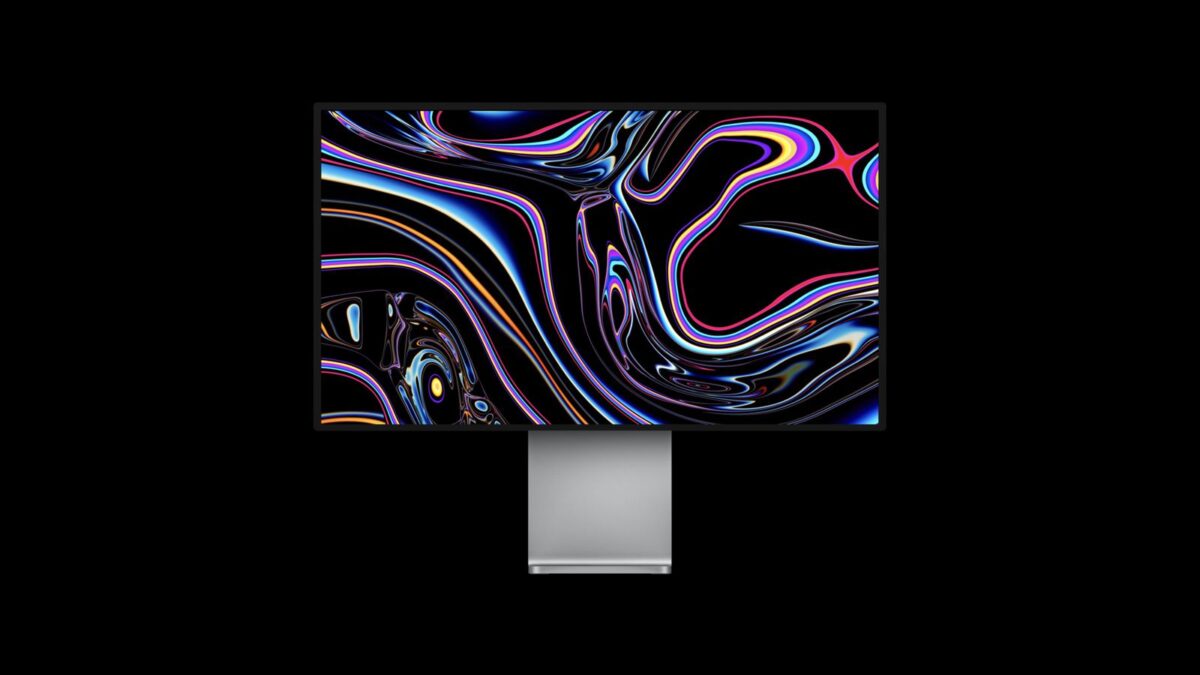
    The current Pro Display XDR, which sells for $4,999 in the United States, lacks a built-in camera. The unit, which was released in December 2019, the Pro Display XDR features a 32-inch screen with 6K resolution, a 60Hz refresh rate, up to 1,600 nits of brightness, one Thunderbolt 3 port, and three USB-C ports. Notably, the monitor’s stand costs an additional $999.

    Apple went on to release a 27-inch Studio Display with a Center Stage camera and speakers in March 2022. That monitor starts at $1,599, stand included.

    According to Bloomberg’s Mark Gurman, Apple is working on two new external monitors, so perhaps both the Pro Display XDR and the Studio Display will be updated.

    It’s unknown as to when Apple might release an updated display.

    Stay tuned for additional details as they become available.

    Via MacRumors, 9to5Mac, and Bloomberg

  • macOS Tahoe 26 features, list of compatible Macs, and other details published

    macOS Tahoe 26 features, list of compatible Macs, and other details published

    With all the hubbub about iOS 26 over at WWDC, macOS Tahoe 26 deserves some attention.

    Per the cool cats at TechRadar, you can expect the new version of the macOS to be publicly available in September or October, as usual. The updated operating system will run on the following Macs:

    • MacBook Air M1 or later
    • MacBook Pro M1 or later
    • MacBook Pro 16-inch 2019
    • MacBook Pro 13-inch 2020 with four Thunderbolt 3 ports
    • iMac 2020 or later
    • Mac mini 2020 or later
    • Mac Pro 2019 or later
    • Mac Studio 2022 and later

    macOS Tahoe 26 will sport the following major features:

    Liquid Glass: This new interface will feature extensive transparency across the interface, complete with a refined dock and toolbars, and a transparent menu bar which allows for the desktop to feel a bit larger. Apple will also offer extensive ways to customize the interface in macOS 26, including adjusting the controls present in the menu bar and Control Center, tinker with the layout, and add controls for your favorite apps. In addition, users can also change the color of folders, and add a symbol (or emoji) to those folders to make them more readily identifiable.

      Improved Spotlight: Apple is powering up its Spotlight feature with Apple Intelligence so it surfaces results that are ranked more intelligently, based on relevance to the user. Spotlight also pops up filtering options to allow you to swiftly whittle down search results, too. The tool can be used to search within apps for features, and adjusts to the user’s search, workflow, and usage patterns to provide more relevant suggestions.

        Improve Continuity: Apple is adding its Continuity features to macOS Tahoe, the big change being its introduction of the Phone all to the Mac. From here, you’ll be able to make or take calls, access voicemail, and benefit from the new features on iPhone as well, such as Call Screening or Hold Assist. Tighter integration is also expected with the Live Activities from the user’s iPhone popping up in the macOS menu bar, and clicking a Live Activity will open the relevant app via iPhone Mirroring.

        Additional Apple Intelligence: Apple will be adding its AI features to its Shortcuts app, which incudes summarizing text using Writing Tools, and image generation via Image Playground. Furthermore, Mac users will be able to access Apple Intelligence models (on-device, or in the cloud) to use as part of their shortcuts. Users can queue up Shortcuts to run at a certain time of day, or when completing a specific action like connecting an external monitor. Apple is also said to be looking to bring its AI-powered Live Translation feature to its Messages app, translating text into another language as you type it (and vice versa for replies). FaceTime will benefit from translated live captions, and calls in the Phone app can be translated as well. Finally, AI will offer additional ways to create Genmoji as desired.

        Apple Games: Apple Games, a dedicated gaming app, will be introduced with macOS Tahoe, the application acting as a hub for your Mac gaming activities, allowing you to jump back into titles you’ve been recently playing. A Game Overlay allows users to quickly adjust settings such as volume and brightness, chat with friends, send invites to them and so forth. A new Low Power Mode is present for MacBooks to give them better battery life when gaming, too. Where developers are concerned, Metal 4 will be arriving with macOS 26, offering access to features such as MetalFX Frame Interpolation (for faster frame rates) and Denoising.

          Additional Accessibility Features: A number of new accessibility features are expected within macOS Tahoe, including Magnifier for Mac, which leverages your iPhone (or USB camera) to be able to zoom in on distant objects and present the content on the board to the user on their Mac’s screen. A new Accessibility Reader feature can take images of book pages and show them on the Mac display, allowing for zooming, or changing fonts or colors to make things clearer. A new Braille Access feature provides an interface for those using a connected braille display, and Vehicle Motion Cues, a feature to help combat motion sickness during a long trip.

            There’s nifty stuff in the works, and as always, stay tuned for additional details as they become available.

            Via TechRadar

          1. Apple adds several Macs to its vintage and obsolete product lists

            Apple adds several Macs to its vintage and obsolete product lists

            Your beloved Mac can’t be top of the line forever, and Apple on Monday added three Mac models to its vintage products list as well as nine additional Mac models from its vintage list to its obsolete products list.

            The company classified the following Mac as vintage:

            • MacBook Air (Retina, 13-inch, 2018)
            • MacBook Pro (13-inch, 2017, 2 Thunderbolt 3 Ports)
            • MacBook Pro (13-inch, 2018, 4 Thunderbolt 3 Ports)

            The following Macs are now classified as obsolete:

            • MacBook (Retina, 12-inch, Early 2016)
            • MacBook Air (13-inch, Early 2015)
            • MacBook Pro (13-inch, 2016, 2 Thunderbolt 3 Ports)
            • MacBook Pro (13-inch, 2016, 4 Thunderbolt 3 Ports)
            • MacBook Pro (15-inch, 2016)
            • MacBook Pro (Retina, 13-inch, Early 2015)
            • iMac (21.5-inch, Late 2015)
            • iMac (Retina 4K, 21.5-inch, Late 2015)
            • iMac (Retina 5K, 27-inch, Late 2015)

            Apple classifies a device as “vintage” once more than five years have passed since the company has stopped distributing it for sale. Apple Stores and Apple Authorized Service Providers can continue to offer repairs for vintage products for up to two additional years, but only if Apple still has repair parts available for the device.

            Products are considered obsolete once more than seven years have passed since it was distributed for sale. Apple Stores and Apple Authorized Service Providers typically do not repair obsolete products, but MacBook battery replacements may remain available for up to 10 years after the device was last distributed.

            Stay tuned for additional details as they become available.

            Via MacRumors and Apple

          2. macOS Sonoma 14.6 update adds second external display support for M3 MacBook Pro

            macOS Sonoma 14.6 update adds second external display support for M3 MacBook Pro

            While Apple didn’t announce any changes to its macOS Sonoma 14.6 update beyond a slew of security patches and bug fixes, there was an apparent upside: the entry-level M3 MacBook Pro now supports a second external display

            Sonoma 14.6 includes the ability for the 14-inch M3 MacBook Pro to run two external displays up to 5K at 60Hz (for example, two Apple Studio Displays) – the same ability that was previously made available for the M3 MacBook Air. Prior to the update, non-Pro/Max MacBook Pro models could run only one external display, though Apple promised support in March.

            As nifty as this may be, the MacBook Pro will have to be in “clamshell” mode with its lid closed to power both displays. If the lid is opened, one of the displays will be disconnected once the notebook turns on. The external displays also must support a video connection over USB-C or Thunderbolt 3.

            Still, it’s a handy update.

            If you’ve had a chance to try this on your end, please let us know about your experience in the comments.

            Via Macworld