Tag: Chromium

  • macOS Sonoma betas allow Apple Password Manager to be used with third-party web browsers

    macOS Sonoma betas allow Apple Password Manager to be used with third-party web browsers

    This is DEFINITELY going to come in handy.

    Suppose you were somewhat on the fence as to whether to upgrade to macOS Sonoma when it arrives. In that case, it’s been reported that the current beta version allows Mac owners who opt to use Google Chrome, Microsoft Edge, or another browser to use Apple’s Password Manager for filling passwords.

    Per MacRumors as well as developers and beta testers who’ve tried the current build, the operating system can use their iCloud Keychain passwords with non-Safari browsers at this time, autofilling passwords and one-time codes. Third-party browsers can also save new passwords.

    Apple has created an iCloud Passwords Chrome extension which is available for macOS Sonoma users. The extension can be downloaded and installed to access Apple passwords on the Chrome browser or any Chromium-based browser. Apple has also provided an extension for Microsoft Edge users.

    It’s also been noted that Google and other web browser developers have begun implementing support for Passkeys, which is being developed as a password alternative and was introduced in 2022.

    If you’ve had a chance to test the macOS Sonoma betas, please let us know about your experience in the comments.

    Via MacRumors and
  • StopTheMadness web browser extension now available on both the App Store and the Mac App Store

    StopTheMadness web browser extension now available on both the App Store and the Mac App Store

    If you love the Web but hate some of its foibles, this might be for you.

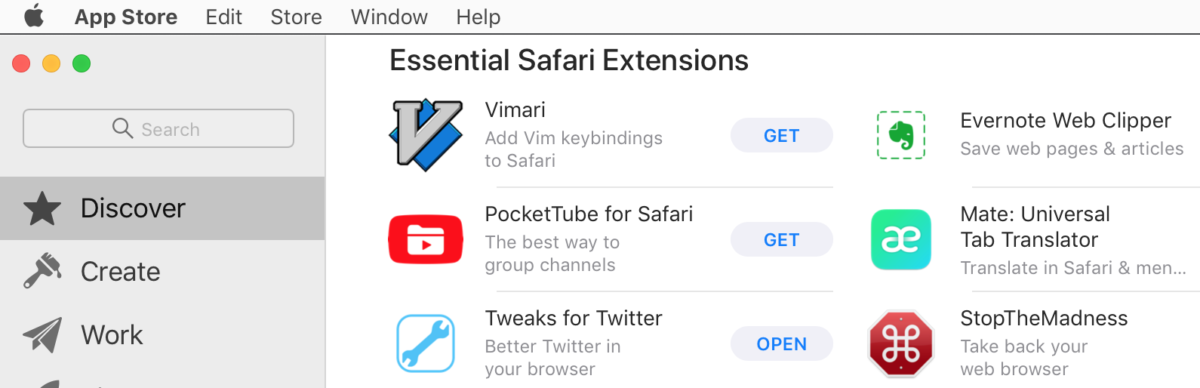
    StopTheMadness, a web browser extension developed by Jeff Johnson (formerly of Rogue Amoeba Software) works to fix annoying web site behavior such as pop ups, autoplay videos, privacy invasion tools, etc. The extension works in Safari on iOS and iPadOS, and in all major web browsers on macOS, including Safari, Firefox, Google Chrome, and any other Chromium-based web browser, such as Microsoft Edge, Brave, and Vivaldi.

    StopTheMadness is also sold separately on both the iOS App Store, where it retails for $7.99, and Mac App Store, where it retails for $9.99.

    If you’ve had a chance to try StopTheMadness, please let us know about your experience in the comments.

    Via Underpass App Company, the App Store, and the Mac App Store

  • Microsoft releases Edge Chromium web browser for macOS


     If you’re curious about it, Microsoft has released its Edge Chromium web browser, which is based on Google’s open-source Chromium browser engine for Mac users.

    Some of the features include the following:

    • New Tab: Choose a layout to view information like Focused, Inspirational, or Informational.
    • Collections: Coming soon, Collections integrates with Office 365 so you can collect, organize, and share web content to Word or Excel.
    • Tracking Prevention
    • InPrivate browsing
    • Microsoft Defender SmartScreen: Protects you against security issues, phishing, and malware.
    • Extensions

    The Microsoft Edge web browser requires macOS 10.10 Yosemite or later to install and run.

    If you’ve had a chance to play with the browser and have any feedback offer, please let us know about your experience in the comments.

    Via The Mac Observer and Microsoft

  • Microsoft begins hinting at Chromium-based Edge browser for macOS

    Microsoft’s Edge web browser could be en route to the macOS.

    At the start of its Build developer conference on Monday, Microsoft offered a fleeting glimpse at the macOS version of Edge, a browser once exclusive to Windows 10.

    A Microsoft representative stated that the first Dev- and Canary-channel builds are coming “soon,” albeit no specific launch dates were available.

    Microsoft has begun migrating its Edge web browser over to Chromium, an open-source platform best known for providing the underlying framework for Google Chrome. This, in turn, should make Edge easier for third-party developers to code for.

    Some potential features in Edge for Mac include a new privacy dashboard with per-site customization, and Collections, which will let people gather related content for later sharing, browsing, or publishing to apps like Word and Excel. Neither feature has been set in stone for macOS or even Windows.

    Edge already has a presence on the iOS platform.

    Stay tuned for additional details as they become available.

    Via AppleInsider and Microsoft

  • Opera web browser updated to 15.0.1147.147

    operalogo

    The Opera web browser project begins.

    On Wednesday, Opera Software released version 15.0.1147.147 of its web browser. The new version, a 54.4 megabyte download via MacUpdate, boasts the following fixes and changes:

    General and User-Interface Changes:
    – Opera 15 is a major reinvention for Opera. Going forward, the browser’s source code will be based on Chromium and Blink, a fork of the WebKit rendering engine.

    – New rendering engine based on WebKit.

    – New user interface.

    – New capabilities.

    New features:
    – Improved site compatibility.

    – Silent auto updates

    New features:
    – Combined address and search bar. Opera 15 combines the address and search bar, allowing for multiple predictive results that can be filtered by search engine. This bar includes options for adding current pages to Opera’s Speed Dial or Stash, and expandable page information.

    – Enhanced Speed Dial. Opera 15 allows you to combine Speed Dial entries into groups, and introduces a search function that filters through entries.

    – Stash. Opera 15 introduces Stash – a feature that records the location, meta data, and a screenshot of a page. It places this information into a collapsable list entry on the browser’s Start Page, that can be searched by keyword and/or scanned visually by screenshot.

    – Discover. A recommender service is included with Opera 15. Discover displays news and topical content that can be filtered by category or location/language.

    – Off-Road mode. Opera 15 adopts the server-side compression technology used by Opera Mobile.

    Fixes:
    – Chromium was updated to 1500.72.

    – Fixes a minor issue in Opera installer, which deleted existing Opera shortcuts from desktop instead of changing them.

    Opera 15.0.1147.147 is available for free and requires an Intel-based Mac running Mac OS X 10.5.8 or later to install and run.