Tag: Motion

  • Some Final Cut Pro and Logic Pro 90-day trial links are still active as Apple transitions to Creator Studio offerings

    Some Final Cut Pro and Logic Pro 90-day trial links are still active as Apple transitions to Creator Studio offerings

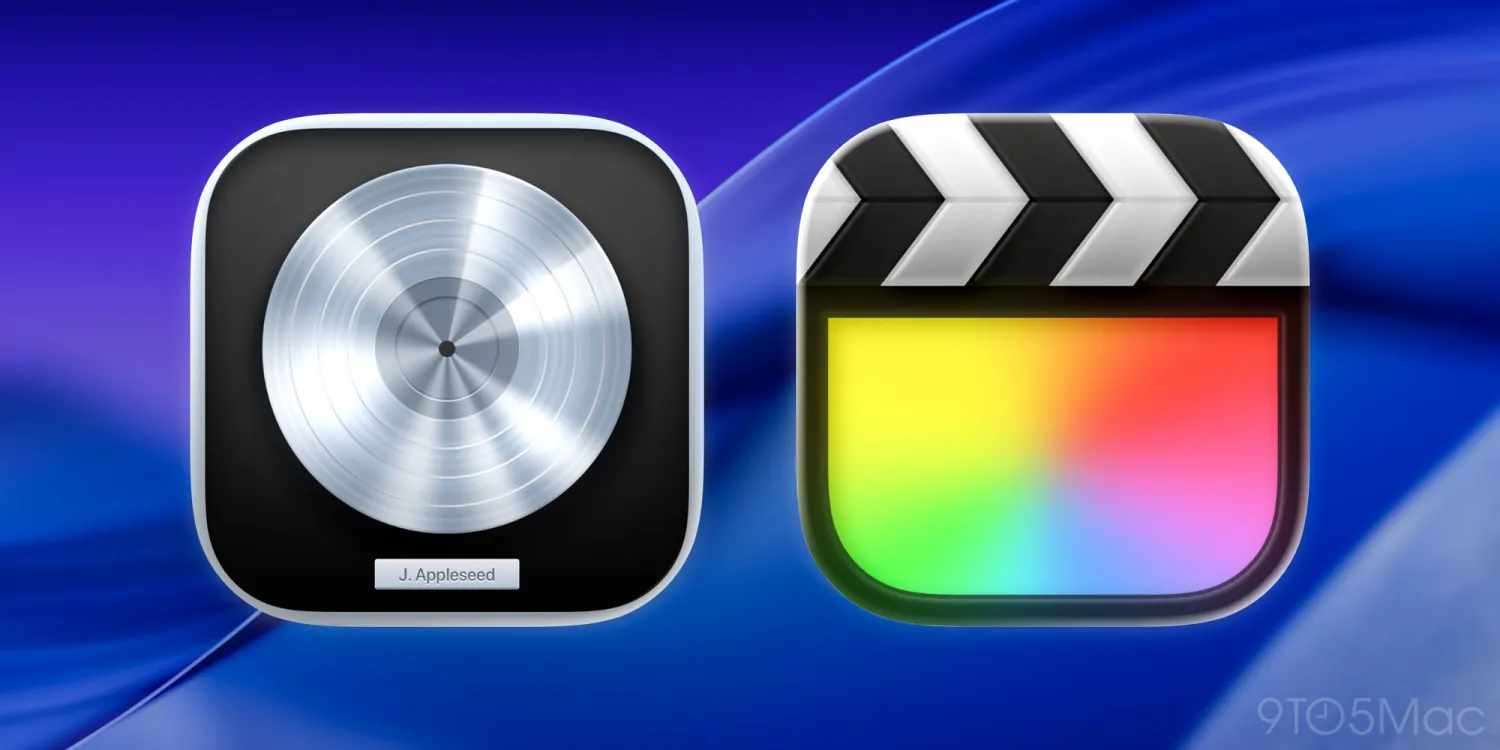
    Following up on Apple’s announcement last week about Apple Creator Studio becoming available for subscription, there may be a way to get a free 90-day trial for its Final Cut Pro and Logic Pro applications.

    Per 9to5Mac, while Apple has replaced standalone 3-month trials of Logic Pro and Final Cut Pro with Apple Creator Studio’s 1-month test period, Creator Studio offers Final Cut Pro, Logic Pro, and Pixelmator Pro on Mac and iPad, along with Motion, Compressor, and MainStage on Mac.

    The $12.99/month or $129/year service will roll out on January 28, but Apple will still offer one-time purchases for Final Cut Pro, Logic Pro, Pixelmator Pro, Motion, Compressor, and MainStage through the Mac App Store.

    According to Reddit and MacMagazine, Apple “has discontinued the trial versions of Final Cut Pro and Logic Pro”. Where users could previously download 90-day trial versions of Final Cut Pro and Logic Pro independently, you can still use trial links at https://www.apple.com/uk/final-cut-pro/trial/, or https://www.apple.com/it/logic-pro/trial/, which still allow users to download the trial versions of both apps, although it is very likely that Apple will also pull these links sooner rather than later.

    The trial links across several regions are rapdily changing, with some original trial pages still working, while others redirect to the new Apple Creator Studio landing pages or to the App Store.

    Still, there may be some time left to download and use the 90-day trials before the January launch date for Apple Creator Studio.

    Stay tuned for additional details as they become available.

    Via 9to5Mac, Reddit, and MacMagazine

  • Apple announces Apple Creator Studio, offers premium applications for subscription for the iPad and Mac

    Apple announces Apple Creator Studio, offers premium applications for subscription for the iPad and Mac

    Apple on Tuesday revealed its much-anticipated Apple Creator Studio, which functions as a subscription service for the iPad and brings together a collection of somewhat pricey tools, including Final Cut Pro, Pixelmator Pro, Logic Pro, and other applications.

    The suite had first been rumored since November 2025, and was thought to be a possibility since Apple bought Pixelmator Pro in November 2024,with the chief hope being that the noted image editor would finally debut on the iPad.

    Alongside it are the existing Final Cut Pro and Logic Pro for iPad. These have been available on iPad for a subscription, while their Mac counterparts remained a one-time purchase.

    With the subscription, users receive the full suite for $12.99 per month, or $129 per year, after a free one-month trial.

    It seems that the new Creator Studio subscription replaces the existing versions of Final Cut Pro and Logic Pro for iPad. These applications previously retailed for $4.99 per month, for each app. For that price, users get Final Cut Pro and Logic Pro on the Mac as well, plus the pro macOS tools Motion, Compressor, and Mainstage. They also have Pixelmator Pro on both platforms.

    Apple has also made the somewhat controversial move of including some features of its main iWork apps within the bundle. Apple has stated that the Apple Creator Studio includes “new AI features and premium content in Keynote, Pages, and Numbers.”

    Even so, Apple has also claimed that its Keynote, Pages, and Numbers apps will remain free in their current form, as will Freeform. These applications will continue to be updated on both Mac and iPad.

    Apple Creator Studio will be available starting on January 28. Apple says that a free one-month trial will be available for new subscribers, but it’s not clear if that excludes existing Final Cut Pro or Logic Pro iPad users.

    Finally, the company has stated that three months free use of the new Apple Creator Studio bundle will also be included with every new Mac. The same is offered for new iPads, but only ones with at least 6GB RAM, and an A16, A17 Pro, M-Series processor, or later.

    Stay tuned for additional details as they become available.

    Via AppleInsider and Apple

  • YouTube announces that a dedicated app for the Vision Pro is “on the roadmap”

    YouTube announces that a dedicated app for the Vision Pro is “on the roadmap”

    YouTube may have initially stated it would not offer native support for the Apple Vision Pro headset, but has since walked this back and stated that a dedicated app is “on the roadmap.”

    In January, the company announced that it would not be developing any specialized app for the mixed-reality headset. It also announced that it would not allow its iPad apps to run on the hardware.

    According to The Verge, the company has since offered the following statement:

    “We’re excited to see Vision Pro launch and we’re supporting it by ensuring YouTube users have a great experience in Safari,” said YouTube spokesperson Jessica Gibby. “We do not have any specific plans to share at this time, but can confirm that a Vision Pro app is on our roadmap,” Gibby added.

    While there’s no dedicated timeframe as to the release of such an app, YouTube currently recommends that Apple Vision Pro users visit YouTube via Safari for the time being.

    At present, neither Apple nor YouTube have figured out how to support current 360 and VR videos active on YouTube. Allegedly, the content may never work on the Apple Vision Pro, as Apple spokesperson Jackie Roy has stated that the content isn’t high-quality, and could cause motion discomfort.

    Stay tuned for additional details as they become available.

    Via AppleInsider and The Verge

  • Code strings found in the visionOS beta hint at forthcoming video mirroring, and other new features for the Apple Vision Pro headset

    Code strings found in the visionOS beta hint at forthcoming video mirroring, and other new features for the Apple Vision Pro headset

    Once again, it’s the code strings found in beta versions of a developer kit that reveal the interesting stuff.

    Apple’s forthcoming Vision Pro headset will apparently support screen mirroring via AirPlay or FaceTime, as indicated by code strings found in the beta 4 release of visionOS 1.0.

    The code strings are as follows:

    Select a device to mirror content to from your Apple Vision Pro

    Only one activity is available when mirroring or sharing your view through ‌AirPlay‌ or ‌FaceTime‌.

    This suggests that users will be able to mirror the headset’s display to an external monitor or TV, or share their view with others through ‌AirPlay‌ or ‌FaceTime‌. Other headsets like Meta Quest have similar features which can help to reduce the feeling of isolation of the headset user from others.

    The visionOS 1.0 beta dev kit also references a new option to reset EyeSight data. EyeSight is the feature that displays a user’s simulated eyes on the external display of the ‌Apple Vision Pro‌.

    The option reads as follows:

    You can reset EyeSight by going to Settings > People Awareness and tapping Reset Personalized EyeSight. This will remove personalized eye details from EyeSight, like your eye shape and measurements, but EyeSight will still use your skin tone where available. After you have reset EyeSight, you can restore it by recapturing your Persona.

    A “Persona” reference located in the beta indicates that a user’s Persona will be sent to all participants within a FaceTime call, which will allow other participants to view the user’s Persona. ‌Apple Vision Pro‌ can generate Personas via machine learning that allows users to share virtual representations of themselves that reflect face and hand movements in real-time with others over ‌FaceTime‌.

    Where FaceTime calls on a visionOS device are concerned, a user’s Persona data will be sent securely to all users on the call, who can then view your Persona. Once the call is completed, the Persona may remain stored encrypted on the other call participants’ devices for up to 30 days. The other call participants will be able to access your Persona only when they are on a call with you.

    The code references also indicate that Personas, but not the data used to generate them, could be stored on Apple’s servers, though securely in a manner inaccessible to Apple.

    To create your Persona and personalized EyeSight, ‌Apple Vision Pro‌ cameras capture images and 3D measurements of your face, head, upper body, and facial expressions. The data used to build your Persona and EyeSight do not leave your device. Your Persona may be stored on Apple servers, encrypted in a way that Apple cannot access.

    Other new alerts referenced in the beta include the following:

    • Calling unavailable while in Travel Mode
    • Brighten your lighting to use your Persona.
    • This video has excess motion, and could cause discomfort if expanded.

    Apple has stated that the Apple Vision Pro headset will launch in the U.S. come early 2024 prior to expanding to other countries at later dates.

    Stay tuned for additional details as they become available.

    Via MacRumors

  • Apple releases iMovie 3.0 for iOS and iPadOS, updated versions of Final Cut Pro, Compressor, and Motion

    Apple releases iMovie 3.0 for iOS and iPadOS, updated versions of Final Cut Pro, Compressor, and Motion

    Apple on Tuesday announced version 3.0 of its iMovie app for iOS and iPadOS. The new version features the following hefty assortment of fixes, changes, and new features:

    • Get started, learn, and be inspired by two brand-new types of video projects: Magic Movie and Storyboards
    • Create a Magic Movie to instantly make and share custom videos with titles, transitions, and music in just a few taps
    • Select an album of photos and videos, and Magic Movie will create a polished video using your media
    • Start with a Storyboard project to improve your storytelling skills using a template that guides you through the video-making process
    • Choose from 20 Storyboards for common video projects like Cooking, DIY, Q&A, Product Review, and Book Report
    • Customize and organize your storyboard video by adding, reordering, and grouping shots within the flexible shot list
    • Learn different types of video framing and storytelling techniques with the shot tips provided in each type of storyboard
    • Record video or take photos right into each Storyboard placeholder clip, or add media from your Photos library
    • Enhance your Magic Movie or Storyboard video with 20 dynamic styles that include title layouts, fonts, filters, color palettes, and music
    • Go further by editing clips with tools like trim, split, and clip speed
    • Apply title treatments, record voiceover narration, or adjust the depth-of-field effect in Cinematic mode video clips* to further customize your videos
    • Import Magic Movie and Storyboard projects into a timeline in iMovie for Mac or Final Cut Pro** to take your project further
    • Save Magic Movie and Storyboard videos to your Photos library, send to friends and family via Messages or Mail, or share with your followers on social media
    * Requires iPhone 13, iPad mini (6th generation), iPad Pro 11-inch or iPad Pro 12.9-inch (3rd generation or later)
    ** Requires iMovie for Mac version 10.3.2 or Final Cut Pro version 10.6.2

    The company also released updated versions of Final Cut Pro, Compressor, and Motion for macOS that offer optimized performance on the Mac Studio among other changes. The new version of Final Cut Pro also supports importing “Magic Movie” and “Storyboard” projects created with iMovie.

    iMovie 3.0 for iOS and iPadOS is available for free and requires a device running iOS 15.2 or later or iPadOS 15.2 or later.

    If you’ve had a chance to try the new version, please let us know about your experience in the comments.

    Via MacRumors and the App Store