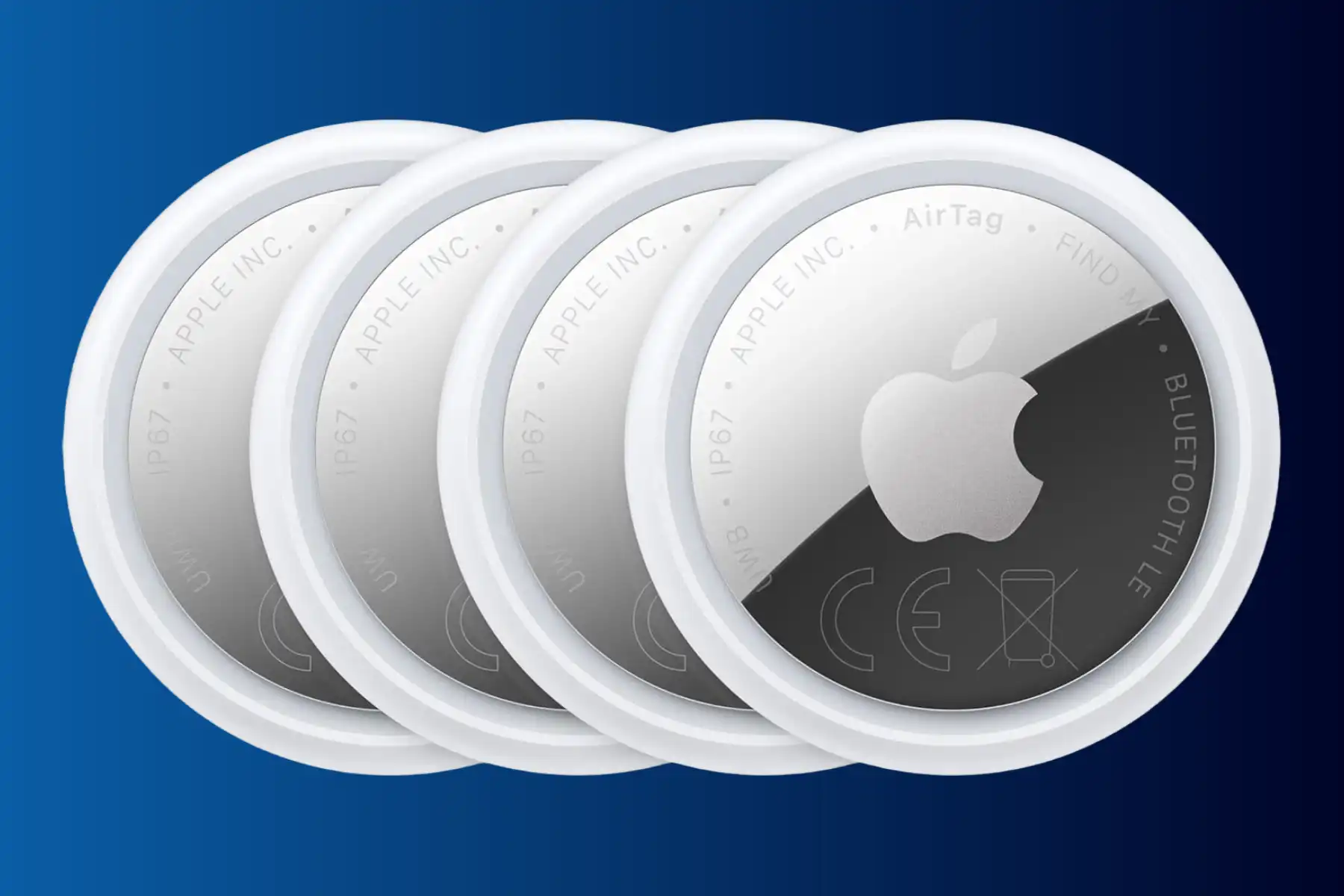
It’s not the biggest firmware update in the world, but if you’re an AirTag 2 owner, it could come in handy.
Apple has released a new firmware update, version 3.0.45, which addresses a privacy/security issue in which an AirTag that isn’t yours, or that you may not have permitted, has been located as traveling with you. In such a case, you can locate the offending AirTag with Precision Finding and cause it to make a beeping noise.
This, in turn, may help to alleviate some tracking concerns that have been prevalent since the original AirPods were released in 2022.
The update only applies to the new second-generation AirTags,
Apple’s change log notes have cited the change as follows:
- Updates the unwanted tracking sound to more easily locate an unknown AirTag during Precision Finding.
- Bug fixes and other improvements.
It’s unknown as to how Apple has changed the tracking sound, but the fix appears to be similar to the update Apple delivered to the original AirTag in 2022. Back then, Apple adjusted the tone sequence to make unknown AirTags easier to find.
While there’s no way to force the AirTags to update their firmware, and you’ll have to wait until they’re within Bluetooth range of your iPhone, if you want to see the firmware version of your AirTags, follow these steps:
- Open the Find My app.
- Tap the Items tab.
- Select your AirTag in the list of items.
- Tap the name of your AirTag, and the serial number and firmware version will appear.
Stay tuned for additional details as they become available.
Via Macworld and support.apple.com
Leave a Reply