Tag: keyboard

  • Apple releases iOS 26.4, iPadOS 26.4 updates

    Apple releases iOS 26.4, iPadOS 26.4 updates

    Monday was a day of copious software updates as Apple released iOS 26.4 and iPadOS 26.4, the latest versions of its mobile operating systems.

    The updates offer the following fixes, changes, and new features:

    Apple Music

    • Playlist Playground (beta) generates a playlist from your description, complete with a title, description, and tracklist
    • Concerts helps you discover nearby shows from artists in your library and recommends new artists based on what you listen to
    • Offline Music Recognition in Control Center identifies songs without an internet connection and delivers results automatically when you’re back online
    • Ambient Music widget for Sleep, Chill, Productivity, and Wellbeing brings curated playlists to the Home Screen
    • Full screen backgrounds give album and playlist pages a more immersive look

    Accessibility

    • Reduce bright effects setting minimizes bright flashes when tapping on elements like buttons
    • Subtitle and caption settings are available from the captions icon while viewing media, making them easier to find, customize, and preview
    • Reduce Motion setting more reliably reduces the animations of Liquid Glass for users sensitive to on screen motion

    This update also includes the following enhancements:

    • 8 new emoji including an orca, trombone, landslide, ballet dancer, and distorted face are available in the emoji keyboard
    • Freeform gains advanced image creation and editing tools, and a premium content library, joining Apple Creator Studio
    • Mark reminders as urgent from the Quick Toolbar or by touching and holding, and filter for urgent reminders in your Smart Lists
    • Purchase Sharing lets adult members in Family Sharing groups use their own payment method when making purchases, without relying on the family organizer
    • Improved keyboard accuracy when typing quickly

    As usual, the updates can be located, downloaded, and installed on eligible iPhones and iPads by going to Settings > General > Software Update and proceeding from there.

    If you’ve had a chance to try the updates, please let us know about your experience in the comments.

    Via MacRumors

  • Apple releases change log for forthcoming iOS 26.4, iPadOS 26.4 updates

    Apple releases change log for forthcoming iOS 26.4, iPadOS 26.4 updates

    If you’re curious as to what changes to expect with the release of Apple’s iOS 26.4 and iPadOS 26.4 updates, Apple may have just disclosed them. The company, which distributed Release Candidate versions of the software updates, offered the following change logs:

    “Apple Music:

    • Playlist Playground (beta) generates a playlist from your description, complete with a title, description, and tracklist
    • Concerts helps you discover nearby shows from artists in your library and recommends new artists based on what you listen to
    • Offline Music Recognition in Control Center identifies songs without an internet connection and delivers results automatically when you’re back online
    • Ambient Music widget for Sleep, Chill, Productivity, and Wellbeing brings curated playlists to the Home Screen
    • Full screen backgrounds give album and playlist pages a more immersive look

    Accessibility

    • Reduce bright effects setting minimizes bright flashes when tapping on elements like buttons
    • Subtitle and caption settings are available from the captions icon while viewing media, making them easier to find, customize, and preview
    • Reduce Motion setting more reliably reduces the animations of Liquid Glass for users sensitive to on screen motion

    This update also includes the following enhancements:

    • 8 new emoji including an orca, trombone, landslide, ballet dancer, and distorted face are available in the emoji keyboard
    • Freeform gains advanced image creation and editing tools, and a premium content library, joining Apple Creator Studio
    • Mark reminders as urgent from the Quick Toolbar or by touching and holding, and filter for urgent reminders in your Smart Lists
    • Purchase Sharing lets adult members in Family Sharing groups use their own payment method when making purchases, without relying on the family organizer
    • Improved keyboard accuracy when typing quickly

    For information on the security content of Apple software updates, please visit:
    https://support.apple.com/100100

    Some features may not be available in all regions or on all iPhone models. To learn more, please visit: https://www.apple.com/ios/feature-availability/.

    Software updates, like this one, add new features and improvements that may affect performance and/or battery life. To learn more, please visit:
    https://support.apple.com/125039
    iOS 26.4 is likely to see a launch next Monday or Tuesday, ahead of when Apple begins accepting orders for the AirPods Max 2.”

    Stay tuned for additional details as they become available.

    Via MacRumors

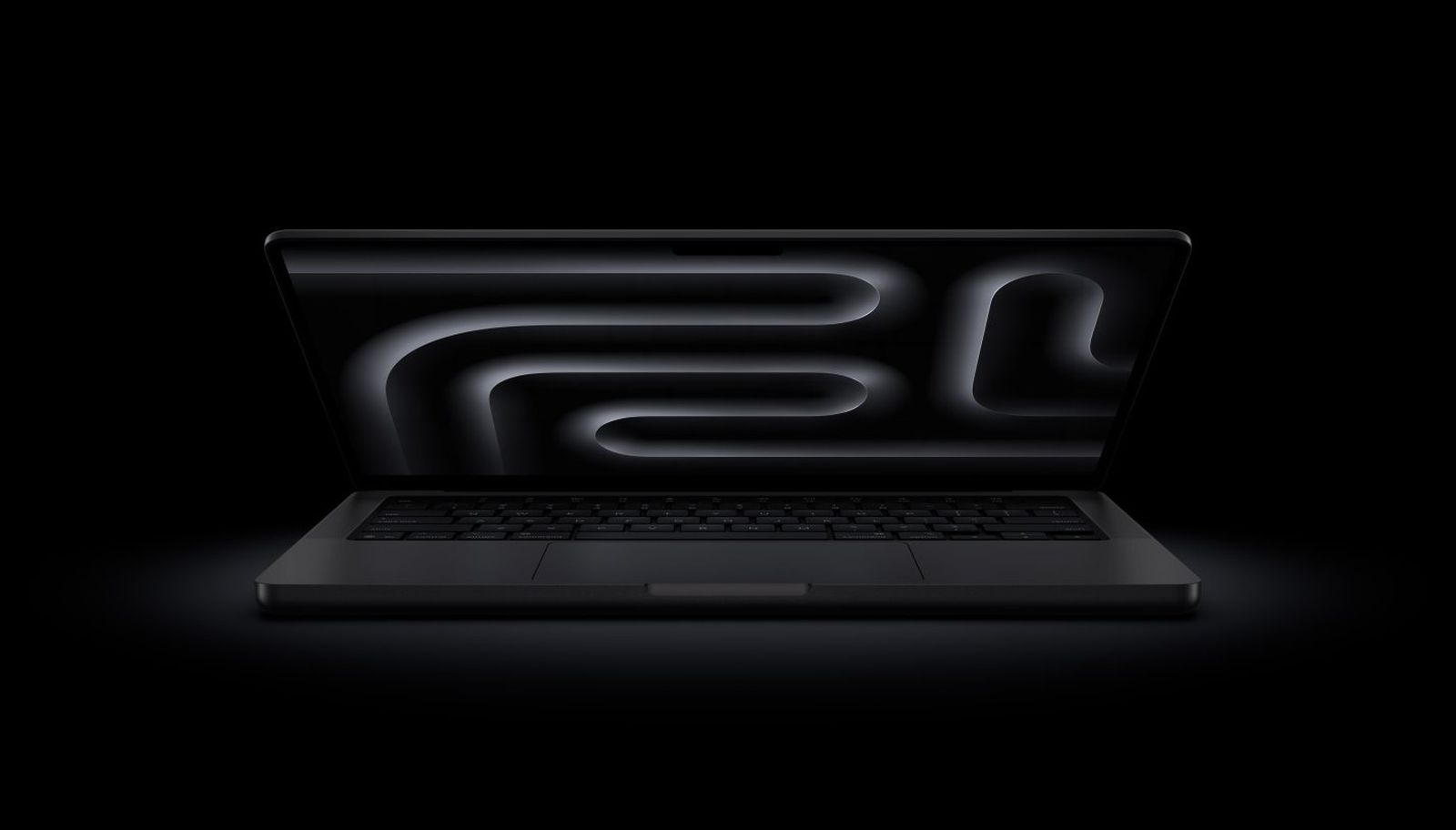
  • First MacBook Neo teardown video posted, indicates modular layout, next to no adhesive, and easy repair

    First MacBook Neo teardown video posted, indicates modular layout, next to no adhesive, and easy repair

    The MacBook Neo has arrived and the very first teardown videos of the new notebook have gone live.

    Per MacRumors, a teardown of the unit by Australian YouTube repair channel TECH RE-NU reveals what may be the most modular and repair-friendly Mac laptop in recent times.

    The YouTuber disassembles the Neo in six minutes using standard Torx T3, T5, and T8 drivers, the video showing a clean cable routing design. In order to open the aluminum casing, eight bottom screws are loosened, similar to the MacBook Air and MacBook Pro. Once inside, a tiny motherboard is removed, the board itself surrounded by a stripped-down internal layout with minimal parts and no hinge covers.

    The battery itself is secured by no less than 18 screws and lifts straight out with no stretch-release adhesive tabs or sticky glue to remove. The teardown itself featured zero tape throughout the entire disassembly, which is a first for a modern Mac.

    Inside the case, the two USB-C ports, speakers, and headphone jack are all modular components, so individual components can be swapped out without having to replace larger assemblies. The speakers are connected by four screws each with no adhesive, and the only adhesive found in the machine was a small amount on the trackpad, where a cable connects it to the mainboard.

    While Tech Re-Nu doesn’t completely disassemble the MacBook Neo, it’s indicated that it’s possible to remove the keyboard for repair without having to replace the entire top case, which should come as a welcome relief to veteran Mac techs.

    Please let us know what you think of the MacBook Neo in the comments and stay tuned for additional details as they become available.

    Via MacRumors and TECH RE-NU

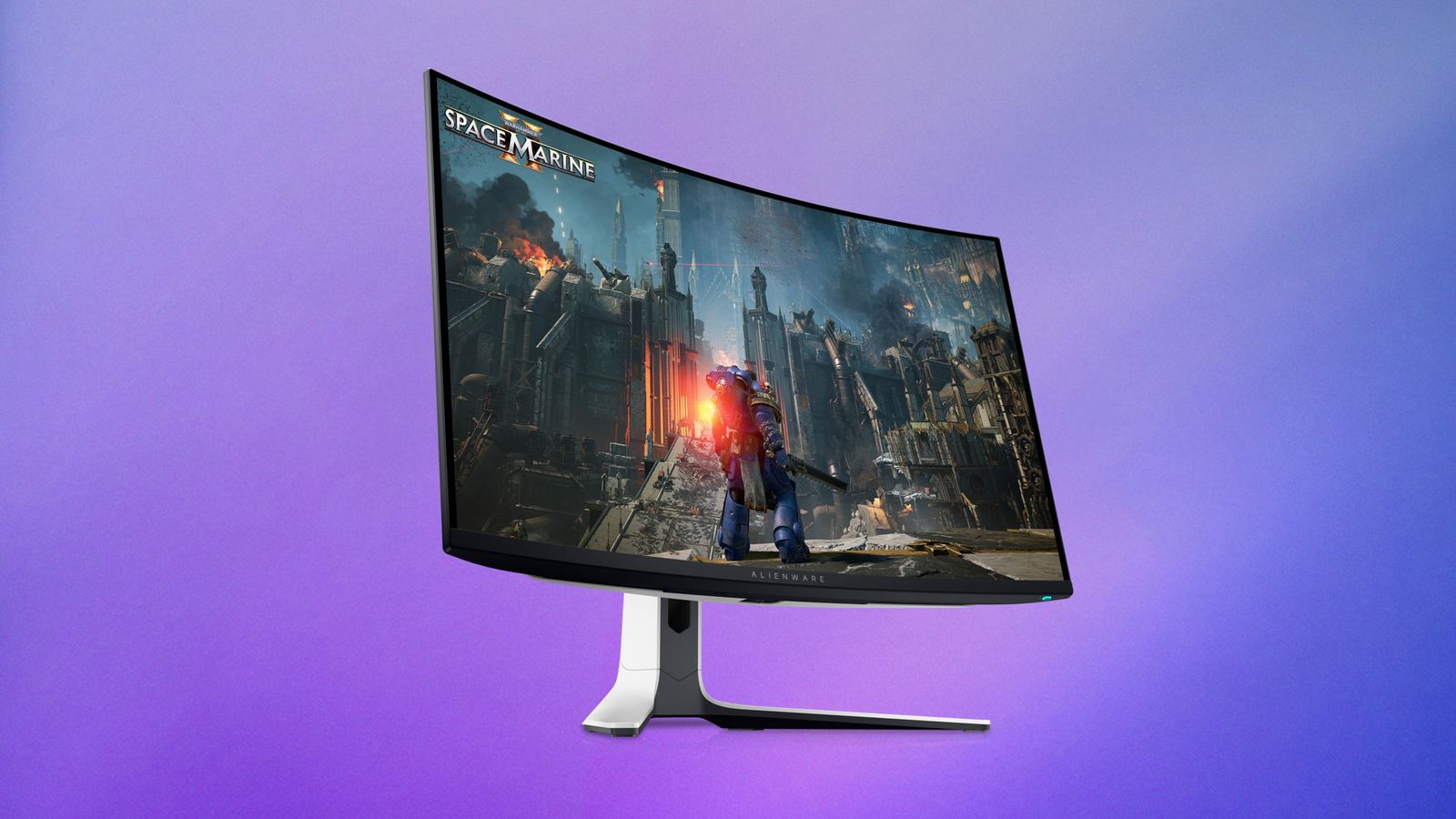
  • Dell offers a sitewide sale on select Alienware monitors and accessories

    Dell offers a sitewide sale on select Alienware monitors and accessories

    You may be a die hard Apple and Mac fan, but good hardware is good hardware and a good price is worth taking a gander at.

    Dell has been running a sale this week across its assorted product categories, including wares from Alienware, Logitech, Bose, and JBL. Where monitors are concerned, you’ll find up to $200 off select models, including the 27-inch Alienware 4K QD-OLED Gaming Monitor.

    Monitors:

    • 24-inch Dell Plus Monitor – $119.99, down from $149.99
    • 27-inch Dell Plus QHD Monitor – $189.99, down from $219.99
    • 27-inch Dell Plus 4K Monitor – $239.99, down from $299.99
    • 32-inch Dell Plus 4K Monitor – $299.99, down from $369.99
    • 34-inch Alienware Curved Gaming Monitor – $299.99, down from $399.99
    • 27-inch Alienware 4K Dual-Resolution Gaming Monitor – $399.99, down from $499.99
    • 27-inch Alienware QD-OLED Gaming Monitor – $499.99, down from $649.99
    • 27-inch Alienware 4K QD-OLED Gaming Monitor – $699.99, down from $899.99
    • 32-inch Alienware 4K QD-OLED Gaming Monitor – $849.99, down from $999.99

    Accessories:

    • Alienware Wireless Gaming Mouse – $69.99, down from $99.99
    • Logitech MX Vertical Wireless Mouse – $99.99, down from $119.99
    • Bose SoundLink Flex Portable Speaker – $119.00, down from $159.00
    • JBL Charge 6 Portable Speaker – $159.95, down from $199.95
    • Alienware Pro Wireless Gaming Keyboard – $174.99, down from $199.99
    • Dell Pro Plus Earbuds – $179.99, down from $229.99
    • Bose SoundLink Max Portable Speaker – $329.00, down from $399.00

    Stay tuned for additional details as they become available.

    Via MacRumors and Dell

  • Apple updates online Mac shopping experience, shifts to feature selection as opposed to standard configurations

    Apple updates online Mac shopping experience, shifts to feature selection as opposed to standard configurations

    If you’re shopping for a Mac, things just changed a bit.

    Apple recently updated its online storefront with a new ordering process for Macs, including the MacBook Air, MacBook Pro, iMac, Mac mini, Mac Studio, and Mac Pro. Prior to the changes, there were a handful of standard configurations for each Mac. Now, customers must configure a Mac entirely from scratch on a feature-by-feature basis.

    Per Macworld and Consomac, if you were to order a MacBook Pro, you’d begin by choosing a 14-inch or 16-inch display, then decide whether to upgrade to a nano-texture display. From there, you’ll choose the M-series chip and core counts, followed by the amount of custom RAM, SSD storage, power adapter, and keyboard language.

    The entire process is now entirely à la carte, which may represent a significant difference for some customers.

    If you’ve had a chance to try the new Apple online shopping experience for a new Mac, please let us know about your experience in the comments.

    Via MacRumors, Macworld, and Consomac